Is My Pc Vr Ready Complete VR Compatibility And Hardware Guide
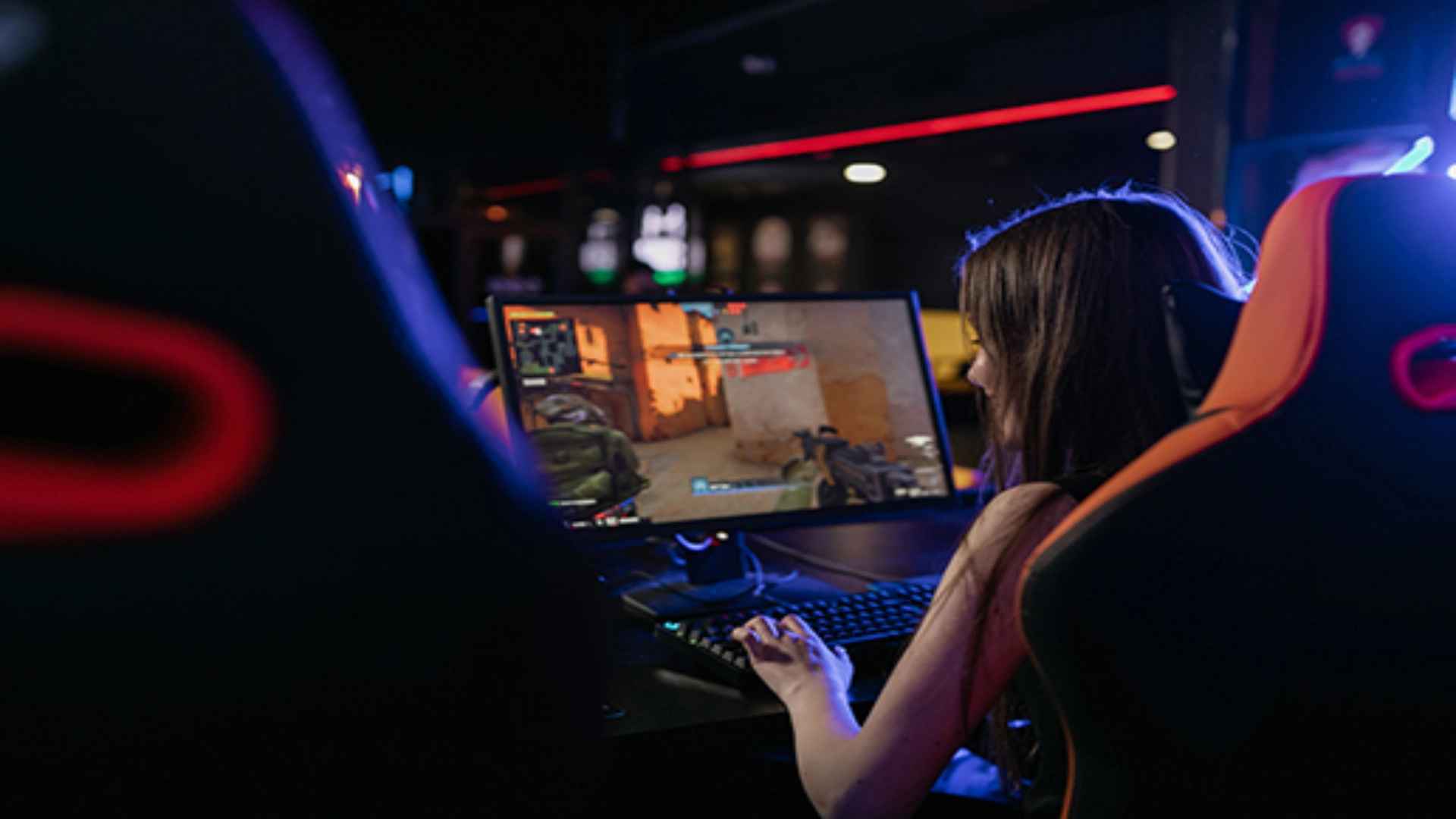
Determining whether your computer can handle virtual reality is an essential first step before investing in modern immersive headsets. Virtual reality gaming demands significant computing power because systems must render high-resolution visuals simultaneously for both eyes at elevated frame rates. Evaluating your current hardware components ensures a smooth experience free from lag or discomfort.
Understanding the Importance of the Graphics Card
The graphics card serves as the foundational component for any VR-capable desktop or laptop. Modern headsets require GPUs like the NVIDIA GTX 1060 or AMD Radeon RX 480 at a bare minimum, though higher tier options offer superior clarity. Higher-end graphics processing units help maintain stable frame rates that prevent motion sickness during fast-paced gameplay.
Dedicated VRAM is equally crucial when loading detailed textures in virtual environments. Most modern applications recommend at least six gigabytes of video memory for stable output. Upgrading to newer GPU architectures ensures long-term compatibility with upcoming software releases.
Processor and System Memory Requirements
Your central processing unit manages game physics, positional tracking, and overall system logic while running VR titles. A quad-core processor such as an Intel Core i5-4590 or AMD Ryzen 5 1500X represents the entry threshold for standard performance. Stronger multi-core processors reduce frame drops and deliver seamless physics calculations in complex interactive worlds.
System RAM also plays a critical role in preventing performance bottlenecks during extended sessions. While eight gigabytes of memory is often listed as the baseline, sixteen gigabytes is widely considered the modern standard for VR gaming. Having ample memory allows your system to multitask and load expansive virtual landscapes efficiently.
Physical Ports and Display Connections
Physical connectivity is another vital factor that determines if your setup is fully VR ready. Headsets depend on high-speed video outputs such as DisplayPort 1.2 or HDMI 1.3 to stream visual data directly. Laptops or pre-built PCs must possess the correct video ports connected directly to the dedicated graphics card.
In addition to video outputs, available USB ports are essential for sensor tracking and data transfer. Most tethered and wireless link configurations require at least one fast USB 3.0 port. Checking your motherboard layout beforehand prevents unexpected hardware compatibility issues during setup.
Checking Software and Operating System Compatibility
Operating system support and driver updates are required to maintain peak VR performance across platforms. Windows 10 and Windows 11 offer robust compatibility with major VR ecosystems and runtime tools. Keeping your display drivers fully updated helps resolve software bugs and improves frame stability.
Many VR platforms provide automated system assessment tools to test your PC hardware automatically. Running these official diagnostic utilities offers immediate feedback on whether your components meet target specifications. Making targeted hardware upgrades ensures your computer remains fully prepared for immersive virtual experiences.