Baldurs Gate 3 Local Coop: How to Play Multiplayer Locally
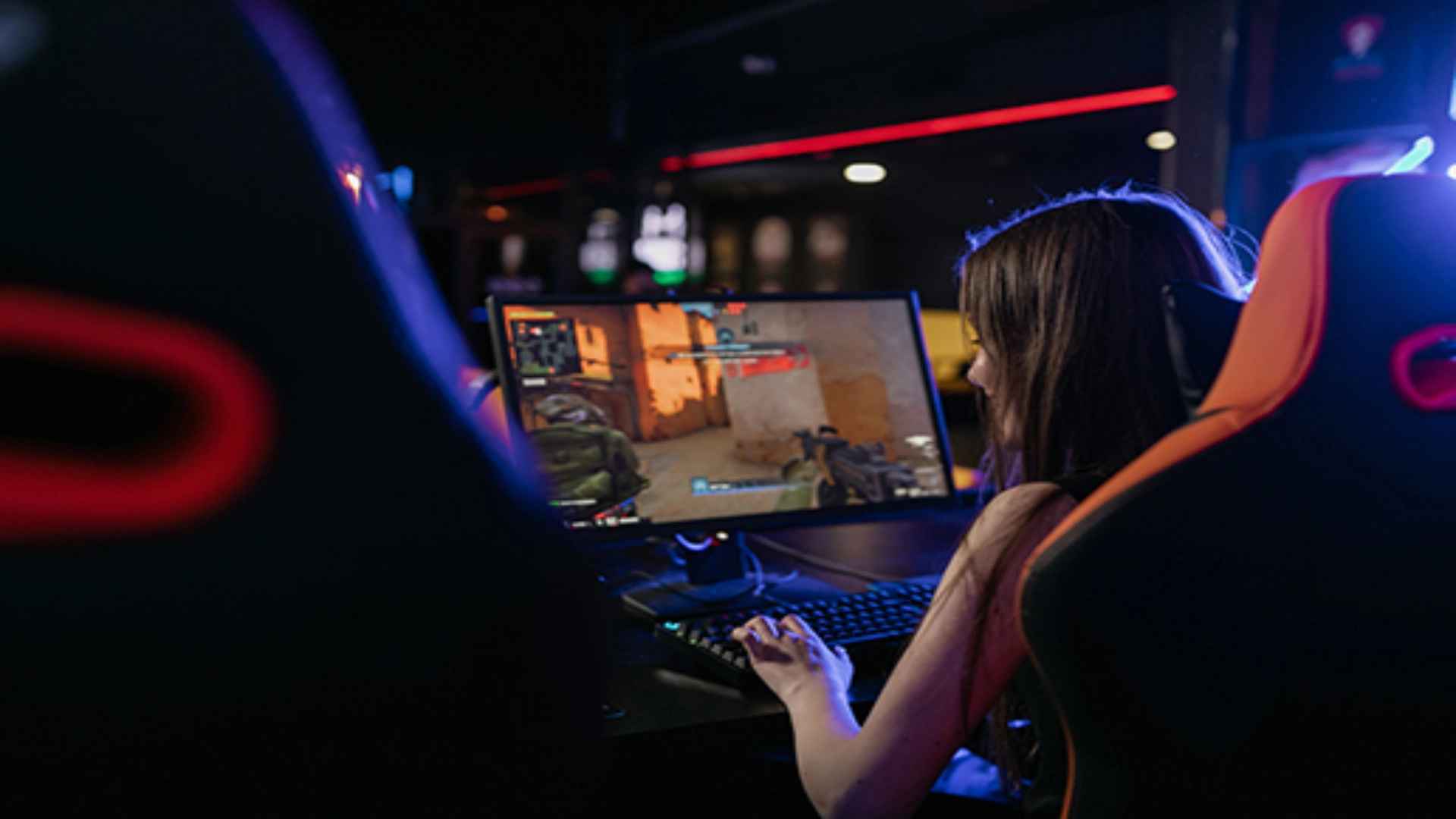
Playing Baldur's Gate 3 in local co-op offers a classic couch multiplayer experience where two players can explore Faerûn together on a single screen. Setting up split-screen mode requires specific hardware setups depending on whether you are playing on a console or a PC. Understanding how to properly connect controllers and configure session settings ensures a smooth cooperative adventure without technical glitches.
Hardware Requirements for Local Split-Screen
To launch local co-op in Baldur's Gate 3, players must connect two compatible controllers to their console or PC. On PC platforms, split-screen play strictly requires two gamepads, as playing with a mouse and keyboard alongside a controller is not supported. Additionally, Steam users may need to disable Steam Input in game properties to prevent controller recognition issues.
Console players on PlayStation 5 and Xbox Series X can easily access local split-screen right from the main menu or during an ongoing campaign. However, players on Xbox Series S should note that local co-op is not supported on that specific hardware configuration. Ensuring both gamepads are paired correctly before launching the title simplifies the entire setup process.
How to Start a Local Multiplayer Session
Starting a brand new local co-op game begins by connecting both controllers and selecting the multiplayer option from the main menu. Once in the lobby, the second player can press the start button on their gamepad to join the session. Both players then enter character creation together, allowing them to build custom avatars or select origin characters for the campaign.
If you wish to add a second player to an existing single-player campaign, simply load the save file first. Connect the second gamepad and press the start button to prompt the game to add a second avatar. If there are empty companion slots in your active party, the joining player can create a new character or take control of an existing companion.
Managing Campaign Progression and Dialogue
During local split-screen gameplay, each player retains full control over their character's movements, inventory, and tactical choices. Players can freely explore different areas of the map independently, though major narrative moments and combat encounters will pull nearby party members together. While one player initiates conversations with non-player characters, the second player can listen in to watch key narrative cutscenes.
Party management remains flexible throughout your journey, allowing players to reassign companion control through the session menu at any time. Managing individual character inventories and leveling up simultaneously helps maintain a balanced tactical approach during combat. Communication between both local players is essential when deciding pivotal story directions and combat strategies.
Optimizing Performance for Couch Co-Op
Running two distinct perspectives simultaneously can put extra demand on your system's hardware, especially during dense city areas in later acts. Adjusting graphic settings on PC or choosing performance modes on consoles can help maintain smooth frame rates during intensive battles. Closing background applications and keeping game files updated ensures the most stable local multiplayer session possible.